
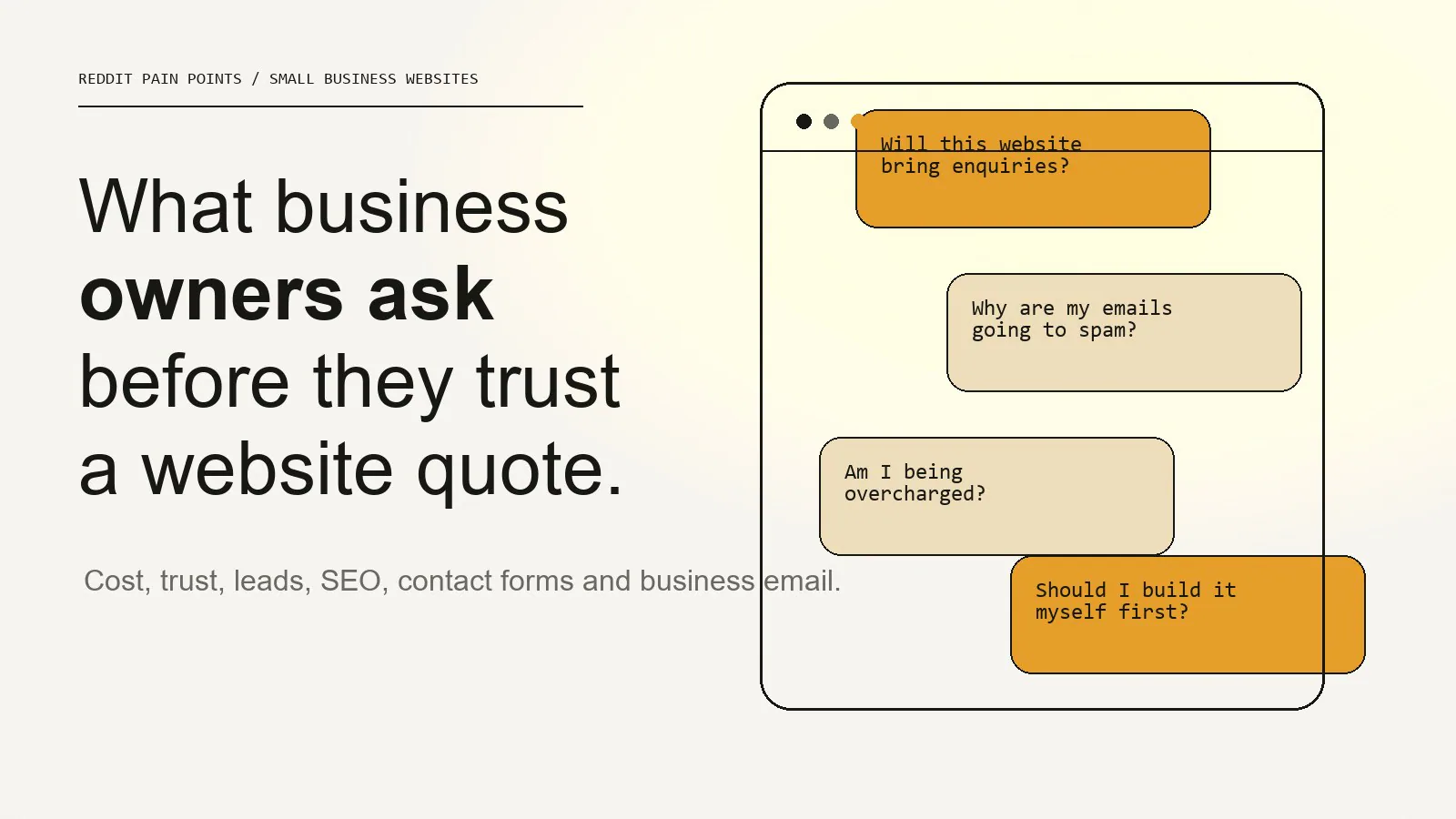
Five questions recur before a small business pays for a website: Is the price fair? Can the site help enquiries? Which SEO work is included? Will the form and email work? Who owns the domain, hosting and accounts after launch?
Small business owners usually do not ask for a website because they want a prettier screen. They ask because something feels unclear, unreliable or stuck: the price feels hard to judge, the current website is not producing enquiries, the contact form may not work, emails are landing in spam, or every designer seems to promise SEO without explaining what is actually included.
This article turns those common online questions into practical answers. The recent last30days Reddit run was weak because Reddit blocked the public JSON endpoint and the fallback returned noisy results, so this is not presented as a statistical Reddit study. It is a practical synthesis of recurring website questions business owners ask in public forums, combined with IDJoy’s own website, pricing and delivery standards.
Pain point 1: “How much should a small business website actually cost?”
The short answer is that a credible small business website in South Africa usually starts around a few thousand rand and rises with scope, content, integrations, hosting, email and SEO setup.
The mistake is comparing only the headline price.
Two website quotes can both say “five-page website” and still include completely different work. One might be a quick template with supplied content. Another might include planning, mobile layout, SEO basics, enquiry flow, copy structure, analytics, domain setup, hosting and business email.
Use this comparison before accepting a quote:
| Question | Why it matters |
|---|---|
| How many pages are included? | Prevents hidden page-cost surprises |
| Is copywriting included or supplied by the client? | Content work changes the real effort |
| Is SEO setup included? | Titles, descriptions, headings and URLs should not be skipped |
| Is hosting included? | A cheap build can become expensive later |
| Who owns the domain? | The business should not be trapped by the supplier |
| Is the contact form tested? | A website that cannot receive enquiries is broken |
IDJoy publishes clear pricing because the buyer should not have to guess what a website package means.
Pain point 2: “Will a new website actually bring enquiries?”
A new website can help enquiries, but only if it explains the business clearly and gives visitors enough confidence to act.
Most no-enquiry websites have one of these problems:
- The offer is vague.
- The page talks about the business before explaining the customer’s problem.
- The services are listed but not explained.
- There is no proof.
- The call to action appears too early or too late.
- The contact form feels risky or unclear.
- The website loads slowly on mobile.
- The visitor has no reason to trust the business.
A website should move from context to capability, then from proof to the next step. That is why the IDJoy working method starts with the real proposition before visual design.
If your website gets visitors but no enquiries, the fix is usually not more animation or more pages. The fix is clearer positioning, stronger proof and a better path to contact. The full breakdown is covered in Why Your Website Gets Visitors but No Enquiries.
Pain point 3: “Should I build it myself first?”
DIY can make sense at the beginning.
It is reasonable if:
- You are testing a very early idea.
- You do not yet know the offer.
- You have no budget.
- You only need a temporary landing page.
- You are comfortable with templates and platform limits.
But DIY becomes expensive when the website starts representing a real business. At that point, the cost is no longer only the platform fee. The cost is weak credibility, unclear content, poor mobile layout, hidden SEO gaps and lost enquiries.
The better question is not “DIY or designer?” It is:
Is this website now responsible for trust, search visibility and enquiries?
If the answer is yes, it needs a proper structure.
Pain point 4: “How do I know if a web designer is legit?”
A credible website designer should explain the work before asking for payment.
Look for these signals:
- Their own website is clear and current.
- Their pricing or scope is understandable.
- They can explain what happens before design starts.
- They can show real work, not only mockups.
- They talk about ownership of domain, hosting and accounts.
- They can explain what SEO basics mean.
- They do not promise rankings as a guarantee.
- They test the enquiry path before handover.
The warning signs are just as important:
- No clear scope.
- No ownership discussion.
- No content process.
- No mention of mobile testing.
- No post-launch handover.
- A promise that sounds bigger than the package.
Trust is created by clarity before the project starts. The article What Makes a Business Website Look Trustworthy? explains the same principle from the visitor’s point of view.
Pain point 5: “Is SEO included or is it a separate thing?”
SEO can mean very different things depending on the provider.
At minimum, a launch-ready website should include:
- Search-friendly page titles.
- Meta descriptions.
- Clean headings.
- Readable URLs.
- Image alt text where useful.
- Mobile-friendly layout.
- Fast enough loading.
- A sitemap.
- Basic crawlability.
- Clear service pages.
That is not the same as a full SEO campaign. A full campaign may include content planning, Google Business Profile work, local landing pages, backlinks, reporting and continuous optimisation.
This distinction matters because many business owners think they are buying “SEO” when they are only receiving page titles. That is not always dishonest, but it must be named clearly.
IDJoy treats SEO basics as part of a credible website build, and fuller SEO/content support as part of broader digital presence work.
Pain point 6: “Why are my business emails going to spam?”
This is one of the most practical trust problems a business can have.
If a quote, invoice or reply lands in spam, the business looks unreliable even if the service is good. The common causes are:
- The business is using a free Gmail address instead of a domain address.
- SPF is missing or wrong.
- DKIM is not enabled.
- DMARC is not configured.
- The contact form sends mail from the wrong address.
- The website host is being used as an unreliable mail sender.
The fix is technical but manageable: use domain-matched business email, configure SPF, DKIM and DMARC, then test form delivery properly. This is covered in detail in Why Business Emails Land in Spam.
Pain point 7: “Why does my contact form not get responses?”
Sometimes the problem is not the website design. It is the form.
Common form problems include:
- The form submits but does not send email.
- The form sends to spam.
- The success message is unclear.
- The form asks too many questions.
- Required fields are confusing.
- The submit button gives no feedback.
- The form fails silently on mobile.
A contact form should be tested like a real business system. Submit it. Check the inbox. Check spam. Confirm the autoresponse if one exists. Test it from mobile. Test the error state. Test the success state.
For IDJoy, this is why form behaviour matters as much as form styling. A beautiful form that fails is still a failed business process.
Pain point 8: “Do I need a website if I already have Instagram or Facebook?”
Social pages are useful, but they are not a replacement for a website.
A website gives the business:
- A stable place to explain the offer.
- Search visibility beyond social feeds.
- A place to host proof, services and case studies.
- A stronger trust signal than a social profile alone.
- Ownership outside platform rules.
- A direct enquiry path.
Social media can create attention. The website should convert that attention into understanding and action.
Pain point 9: “What should be on the homepage?”
A useful homepage should answer the questions a visitor has before they contact you.
For most service businesses, that means:
- A clear statement of what the business does.
- Who the service is for.
- The main services or packages.
- Proof that the business can deliver.
- A short explanation of the process.
- A visible contact path.
- Location or service-area context where relevant.
- Trust signals such as case studies, business email, company details or testimonials.
Do not start with vague brand language. Start with what the visitor needs to understand.
Pain point 10: “Should I run ads before fixing my website?”
Usually, no.
Ads send more people to the same experience. If the page is unclear, slow, untrustworthy or hard to contact from, ads simply make the leak more expensive.
Before paying for more traffic, check:
- Does the page explain the offer in the first screen?
- Is the call to action visible?
- Does the contact form work?
- Is the mobile layout readable?
- Is there proof?
- Does the visitor know what happens after they enquire?
If those answers are weak, fix the website first.
The practical answer
Most small business website frustration comes from the same root problem: the website was treated as a design item instead of a business system.
A useful website needs:
- Clear positioning.
- Honest pricing and scope.
- Trust-building design.
- Working contact paths.
- Business email that delivers.
- SEO basics that are actually implemented.
- Ownership of the domain, hosting and accounts.
- A page journey that helps the visitor decide.
That is the work IDJoy is built around.
If you are planning a website and want to compare options properly, start with How Much Should a Small Business Website Cost in South Africa? and then review the IDJoy pricing page.
The goal is not to buy the most expensive website. The goal is to buy the website that explains the business clearly enough for the right visitor to trust you and take the next step.
Questions we still need to answer in future articles
The current Reddit-style research surfaced several themes that deserve their own deeper articles:
- How do you know whether a contact form is losing enquiries?
- What should happen in the first seven days after a website launches?
- How should a small business compare Wix, WordPress, Webflow and custom code?
- What proof should a new business show if it does not have case studies yet?
- How do you know if an SEO promise is unrealistic?
These are now added to the blog graph so they can become planned internal links instead of loose ideas.