
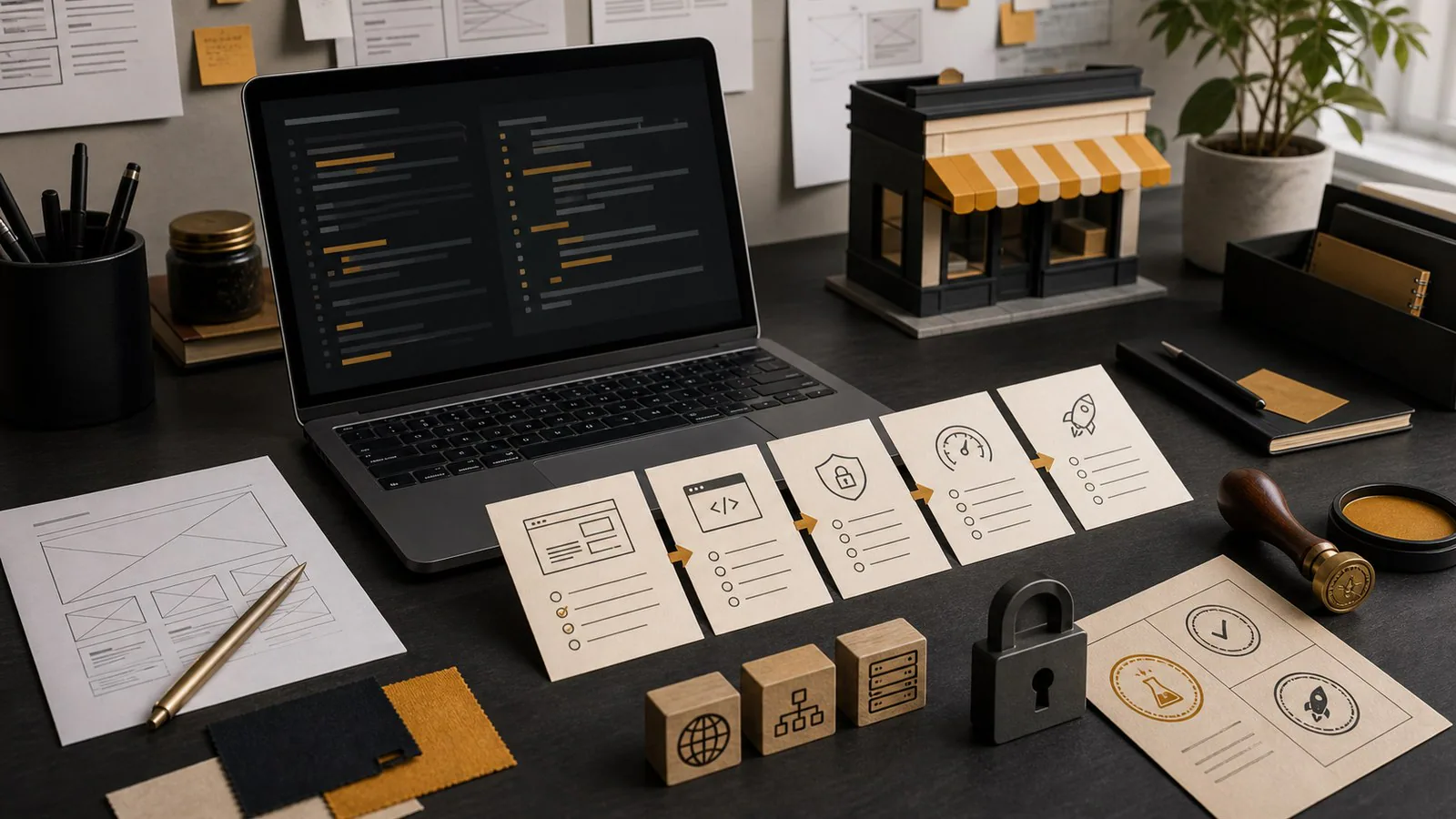
Vibe coding can help a business prototype a website quickly, but the site still needs human review before launch. Check ownership, performance, mobile layout, accessibility, security, contact forms, analytics, content accuracy, search visibility and maintainability. The useful question is not whether AI helped build it, but whether the business can trust, measure and maintain it.
AI website builders and coding assistants have made it much easier to turn an idea into a working-looking website. A founder can describe a service, ask for a layout, generate copy, create sections, adjust colours and publish something that looks presentable in a weekend.
That speed is useful. It can help a business test an offer, explore page structure, compare messages and avoid staring at a blank screen. IDJoy uses AI in parts of its own research, planning and production workflow, as explained in how we created a business using AI in South Africa.
The problem starts when a prototype is mistaken for a production website.
A business website is not only a page that exists online. It is a public trust surface, a contact path, a sales asset, a search asset, a data source and often the first serious impression of the business. If it was created quickly with AI, the next step is not to dismiss it. The next step is to check whether it is ready to represent the business.
Vibe coding is not the problem
The useful question is not, “Was this made with AI?”
The useful question is: can the business trust, measure, maintain and improve this website after launch?
A site can be hand-coded badly. A template can be slow and generic. An AI-assisted site can be clean, useful and commercially effective if someone responsible checks the important details.
Recent technical communities are having a similar conversation. In June 2026, the Godot Foundation announced stricter contribution policies around AI-generated code, including a focus on human responsibility, maintainability and review. That policy is about an open-source game engine, not small-business websites, so it should not be treated as website guidance. But the underlying lesson travels well: lowering the effort required to produce something does not lower the responsibility required to ship it.
GamingOnLinux summarised the same change as Godot getting stricter on AI-contributed code, while noting that limited AI assistance was still allowed. That distinction matters. The serious position is not “AI bad.” It is “production work needs review, ownership and accountability.”
The same applies to business websites.
What can go wrong when a prototype goes live too quickly
AI-generated websites often look more finished than they are. That makes the risk easy to miss.
Common launch problems include:
- The business does not own the domain, hosting or code.
- The contact form looks correct but does not deliver enquiries.
- The copy makes claims the business cannot support.
- The site is slow because every visual idea was shipped at once.
- Mobile layouts break on real phones.
- Images have no meaningful alt text.
- Analytics are missing, duplicated or owned by someone else.
- Page titles and descriptions are generic.
- The code is difficult for a future developer to understand.
- The site cannot be updated without going back to the same tool or account.
None of these problems is unique to AI. AI just makes it easier to create a polished-looking version of them quickly.
Check ownership first
Ownership is the first production check because it affects everything else.
Before launching an AI-built or vibe-coded site, confirm who controls:
- the domain registration,
- the DNS records,
- the hosting account,
- the deployed website files,
- the source files or repository,
- the email service,
- Google Analytics,
- Google Search Console,
- paid plugin or platform subscriptions,
- and any AI builder account used to create the site.
If the answer is “the person who built it has everything”, the business has an ownership problem.
A provider can manage setup. That is normal. But the business should know what it owns, what it rents, what renews monthly, what can be moved and what happens if the relationship ends. This is covered in more detail in who owns your domain, hosting and website after launch.
Check the contact path
The contact path is where website quality becomes commercial.
Do not assume the form works because it displays correctly. Test it from a phone and a desktop. Submit a real enquiry. Check that it reaches the correct inbox. Check spam. Check the reply-to address. Check that the confirmation message is clear. Check that required fields are not creating unnecessary friction.
At minimum, confirm:
- The primary call to action is visible on important pages.
- The contact form submits successfully.
- Form emails arrive in the correct inbox.
- Phone links open correctly on mobile.
- Email links use the right address.
- Thank-you messages do not trap the user.
- Enquiries can be tracked in analytics.
- Someone in the business knows who receives the leads.
A website with a broken form can lose enquiries silently for weeks. This is why the contact path appears early in the small business website launch checklist.
Check content quality and claims
AI can produce fluent copy faster than most teams can review it. That is useful for drafting, but dangerous for publication.
Before launch, read every page as if a customer, competitor, regulator or disappointed prospect may read it later.
Check whether the site accurately describes the service, avoids unsupported claims, uses real business details, names the correct locations served, explains what is included and excluded, avoids vague phrases that could fit any competitor, and sounds like a real business.
Look especially for invented experience, unsupported guarantees, inflated team size, fake urgency and fake testimonials. AI often fills gaps with plausible language. Plausible is not the same as true.
Check performance on real devices
A site can look impressive in a preview window and still feel heavy in use.
Performance matters because visitors make quick decisions. Slow pages create doubt, especially when the business is asking for trust. A production check should include real phones, ordinary mobile data and more than one screen size.
Check whether the first screen loads promptly, whether large images are compressed, whether animations delay the message, whether buttons respond quickly, whether layout shifts while the page loads, and whether the site remains usable on an older phone.
AI builders can generate visually busy pages because they are trying to satisfy a prompt. A business website does not need every possible effect. It needs the right message to load quickly and guide the visitor toward a decision.
Check accessibility basics
Accessibility is not a luxury layer added after design. It is part of whether real people can use the website.
Before launch, check text contrast, readable font sizes, keyboard navigation, visible focus states, useful image alt text, form labels, error messages, button names, heading order, and whether important information is available as real text rather than only inside images.
This helps people using assistive technology, people on phones, people in bright light, people with slow connections and people trying to make a quick decision between meetings.
Check security and privacy basics
A small business website may not feel like a security target, but it still handles trust.
At minimum, check:
- HTTPS is active.
- Forms do not collect unnecessary information.
- Admin accounts use strong passwords.
- Unused plugins or integrations are removed.
- Any third-party scripts are intentional.
- Backups exist where relevant.
- The business knows who can access the site.
- Privacy wording matches what the site actually collects.
If the website collects names, phone numbers, email addresses or enquiry details, the business should treat that information responsibly. AI can draft privacy wording, but the business still needs to understand what data is collected, where it goes and who can access it.
Check analytics and search setup
A launched website should be measurable.
Before launch, confirm:
- Google Analytics or another analytics tool is installed once, not twice.
- Key events are tracked, especially form submissions and clicks to call or email.
- Search Console is set up and verified.
- Page titles are unique.
- Meta descriptions are written for humans.
- The sitemap is reachable.
- Important pages are not blocked from indexing.
- Internal links point to useful next steps.
- The business owns or has access to the analytics accounts.
Analytics will not fix a weak website, but it will help identify whether the problem is traffic, message, trust or contact friction. That diagnosis is explained in why your website gets visitors but no enquiries.
Check maintainability
A website is not finished on launch day. Prices change. Services change. Team members change. Case studies get added. Search pages need improvement. Contact details move. Offers mature.
Before launching, ask:
- Who can update the content?
- Where are the files or CMS stored?
- Can another developer understand the site?
- Are dependencies documented?
- Is the build process clear?
- Are paid tools required to keep it live?
- What happens if the AI builder changes pricing or shuts down a feature?
- Can the site be moved later?
This is where some quick AI websites become expensive. The first version is fast, but every later change requires workarounds because the structure was never designed for maintenance.
This is also part of the custom website vs template decision. A fast generated site may be a good prototype. It may not be the best long-term home for a growing business.
A practical pre-launch checklist
Use this checklist before publishing an AI-assisted business website.
Ownership
- The domain is controlled by the business.
- Hosting access is documented.
- Source files, CMS access or builder access are clear.
- Analytics and Search Console belong to the business.
- Renewal costs are known.
Content
- The first screen says what the business does.
- Service pages explain real scope.
- Claims are accurate and supportable.
- Contact details are correct.
- Placeholder text has been removed.
- Images are licensed, owned or properly sourced.
Contact
- Forms have been tested.
- Emails arrive in the right inbox.
- Phone and email links work on mobile.
- Confirmation messages are clear.
- Enquiry tracking is configured.
Technical quality
- The site works on mobile.
- Pages load quickly enough on ordinary connections.
- Images are compressed.
- Basic accessibility checks are complete.
- HTTPS is active.
- Unused scripts and plugins are removed.
Search and measurement
- Page titles are unique.
- Meta descriptions are written.
- The sitemap is available.
- Search Console is verified.
- Analytics events are tested.
- Internal links guide visitors to relevant pages.
Maintainability
- The business knows how updates will happen.
- The handover is documented.
- A future developer can take over.
- Dependencies and paid tools are listed.
- The site can be improved after launch.
Where IDJoy fits
AI is excellent for getting from blank page to first draft. It can help explore structure, rewrite rough copy, generate layout ideas and speed up technical work.
But a credible business website needs more than a fast first version. It needs the judgement to decide what should be kept, removed, rewritten, tested and owned.
That is where IDJoy fits: turning fast prototypes, rough ideas and AI-assisted drafts into websites that are clear, maintainable and commercially useful. The goal is not to make the website look like AI was never involved. The goal is to make sure the business can stand behind what it publishes.
If you have created a website with an AI builder or coding assistant and are unsure whether it is launch-ready, compare it against the checks above before spending money on ads, SEO or more pages. A weak foundation makes every later channel work harder.
For a practical view of IDJoy’s website packages, start with the pricing page.