
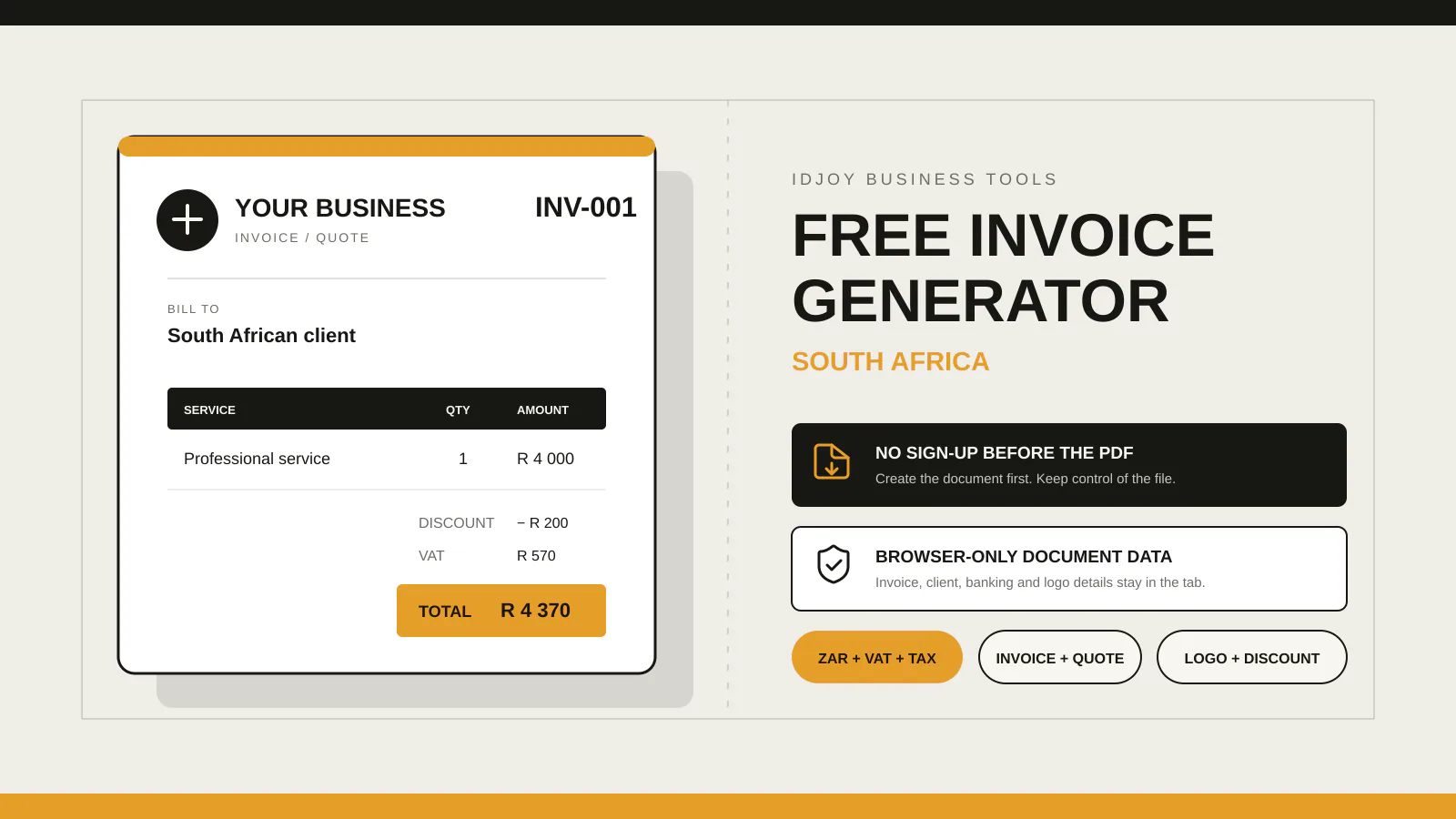
Use one consistent invoice series, such as INV-2026-0001, and allocate each new number from a register before creating the PDF. Record the issue date, client, total, due date, status and file location. Use the invoice number in payment references and follow-up emails. IDJoy's free generator lets you enter a document number, but does not manage the register or reserve numbers across users.
Give each issued invoice a reference you can find in your records. If two PDFs both say INV-001, a payment or an email about “invoice one” may refer to either document.
For a small business creating PDFs manually, a practical starting format is INV-2026-0001, followed by INV-2026-0002. The year identifies the series; the final digits identify the invoice. This is an IDJoy workflow recommendation, not a SARS-prescribed format.
Our free invoice generator lets you replace its default document number. Use a register to decide which number to enter. The generator comparison guide explains when a manual PDF workflow suits your business.
Keep invoice numbering separate from the job reference
An invoice number identifies a billing document. A purchase-order number identifies the client’s order. A quote number identifies your earlier offer. One project can therefore have a quote, a purchase order and several invoices.
Put the new invoice number in the document-number field. Put the related quote, purchase order or job reference in the description or notes. Keep those references labelled so the client does not mistake one for another.
SARS tax-invoice guidance requires a serial number and date of issue on a tax invoice. It also lists the other required particulars. Choosing a numbering format alone does not make a document a valid tax invoice.
Choose a format you can maintain
| Format | Example | Practical consideration |
|---|---|---|
| One continuing series | INV-000147 | Simple when you do not want an annual reset |
| Year plus sequence | INV-2026-0047 | Keep the year when the sequence restarts |
| Site plus sequence | PTA-2026-0047 | Useful only if you need and maintain separate site series |
Stripe’s guide describes several numbering approaches. The simplest useful choice for a solo operator is usually one series: fewer separate counters mean fewer opportunities to duplicate a number.
Document the format in one sentence. For example: “Allocate the next INV-year-four-digit number from the invoice register; keep the year on the document and PDF filename.”
An IDJoy register example
Keep this in a spreadsheet or another record system you control. The entries below are fictional and illustrate the workflow.
| Number | Issued | Client | Total | Due | Status |
|---|---|---|---|---|---|
| INV-2026-0001 | 13 October 2026 | Client A | R1,200 | 20 October 2026 | Sent |
| INV-2026-0002 | 13 October 2026 | Client B | R2,050 | 20 October 2026 | Sent |
| INV-2026-0003 | 14 October 2026 | Client A | R780 | 21 October 2026 | Draft |
Add columns for the PDF location, date sent and payment evidence. A status such as “Paid” should follow your payment check, rather than the fact that you emailed the invoice.
If you reserve a number for a draft and later abandon it, record what happened in the register. Keep issued originals and a record of any corrections. For tax invoices that need amendment, check the appropriate correction process with your accountant.
Allocate the number before creating the PDF
- Check the register and allocate the next unused reference.
- Open the IDJoy generator and replace INV-001 with that reference.
- Fill in the invoice, check the dates and amount, and save the PDF.
- Name the file consistently, for example INV-2026-0002.pdf.
- Record its location and sent date in the register.
- Ask the client to use INV-2026-0002 as the payment reference.
Use the same reference when you follow up. If you send the same invoice again, resend the saved document rather than creating a second bill with a new number.
IDJoy does not reserve a number across browser tabs or check it against earlier invoices. It also does not retain the invoice after you close the public generator. Save the PDF and maintain your own register.
Know when manual numbering becomes difficult
Two people can both choose the next number if they work from separate copies of a spreadsheet. Designate one person to allocate numbers or use a shared system with reliable access controls. If the volume grows, assess invoicing software that manages numbering and document history.
Zoho’s invoice-number guide discusses automatic numbering in its software. IDJoy’s public tool supports the simpler workflow of entering a number and exporting a PDF. Choose according to how much record management you need.
For worked line items, use the freelance invoice example or the cleaning invoice example. With your next number allocated, create the invoice for free.