
Invoices are often delayed because the recipient cannot identify the work, match a purchase order, find a due date, use the right payment reference or reach someone to resolve a query. Add those details before sending the PDF and confirm the accounts-payable contact before work begins.
Most delayed invoices do not fail because the client refuses to pay. They fail because somebody in the payment process has a question and no clear way to answer it.
Check these seven details before the invoice leaves your business.
1. The legal entity
Invoice the company that contracted with you, not the brand name someone used in an email signature. Larger groups often have multiple entities and an accounts team cannot pay a document addressed to the wrong one.
2. The right billing contact
Ask who receives supplier invoices. A project manager may approve the work but never forward the PDF to accounts payable.
3. A purchase-order or vendor reference
If the client requires a PO, vendor code or cost centre, include it exactly as requested. Do not discover this requirement only after the work is complete.
4. A description that proves the work
“Consulting” does not help a reviewer. Name the period, deliverable or milestone. An accurate line item makes approval faster and reduces scope disputes.
5. An exact due date
Show the invoice date, payment period and calendar due date. A client should not have to interpret “within 30 days” or guess whether you mean calendar or working days.
6. Clear payment instructions
State the account holder, bank details and payment reference. Use the invoice number as the reference so you can reconcile the payment without chasing the client for proof.
7. A contact for genuine queries
Give the client an email address or named person for invoice questions. Silence can mean a disputed line item, missing PO or a simple administrative error. It does not always mean refusal.
Make the process repeatable
Create a short pre-send checklist. For recurring work, store it with the client brief or project handover. If invoices repeatedly fail for the same reason, repair that step rather than writing harsher reminder emails.
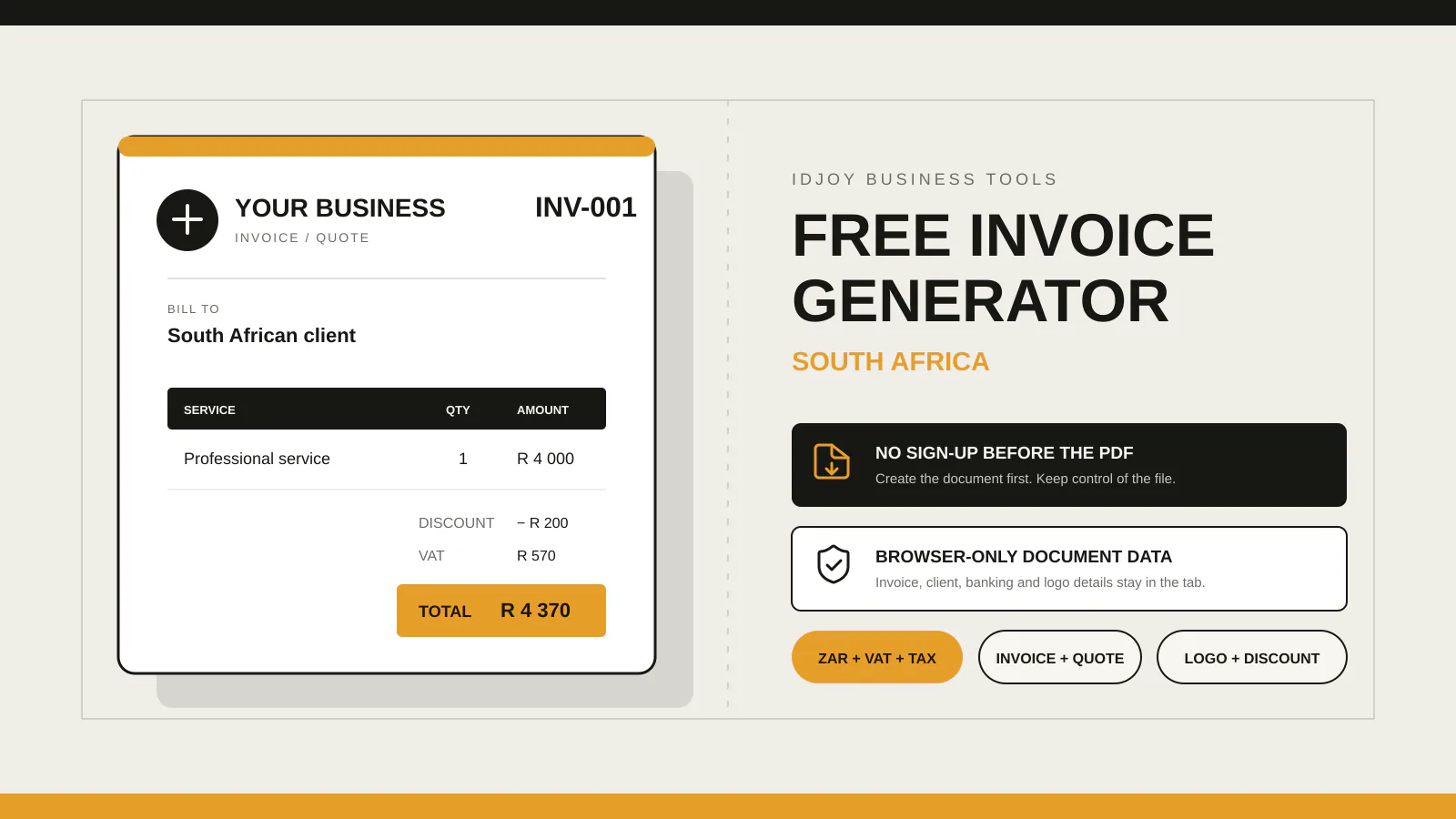
IDJoy’s free generator gives you one place to include client details, line items, terms, notes and banking instructions before saving the PDF. It does not store invoices or chase payment on your behalf. The app in production is planned for businesses that need saved documents, reusable clients and service records.