
Before sending a first invoice, confirm the agreed scope and price, ask who in the client business processes invoices, add a unique invoice number, issue date, due date, accurate line items and payment details, then save and send a readable PDF. VAT vendors must also check the current SARS tax-invoice requirements.
Your first invoice does more than ask for money. It tells a new client whether your business has a process.
Do not start with a template. Start with the agreement. Confirm what you delivered, the price, tax treatment where relevant and when the client agreed to pay. An invoice cannot repair a vague quote or a verbal promise that both sides remember differently.
Get the billing contact before you create the PDF
The project contact may not be the person who pays suppliers. Ask for:
- the legal entity to invoice;
- the accounts-payable email address;
- a purchase-order or vendor number, if required;
- the payment process and usual payment period.
This five-minute check prevents a common delay: a correct invoice sitting in the wrong inbox.
Include the details a client needs to approve payment
Your invoice should show your business name and contact details, the client details, a unique invoice number, issue date, due date, an accurate description of the work, amount due and payment instructions.
For service work, replace vague phrases such as “services rendered” with a description the client can match to the job. “August website maintenance” or “logo design, final approved files” gives accounts payable something to verify.
If you are a VAT vendor and issuing a tax invoice, check the current SARS requirements before sending it. The free generator helps with document fields and totals. It cannot determine the correct tax treatment for your business.
Put a date on payment
“Pay soon” creates a conversation later. State a date.
Invoice date: 1 September 2026
Payment due: 15 September 2026
Payment reference: INV-2026-001
If you use Net 14 or Net 30, show the calculated due date as well. The client should not need to work it out.
Make payment easy to match
Include the account holder, bank, account number, branch code where relevant and the invoice number as the payment reference. Establish a separate verification process for any future change to banking details. Unexpected “new bank account” emails are a common fraud risk.
Send the PDF with a short email that names the invoice number, total and due date. Keep a copy of the sent email and set a follow-up date before you move on to the next job.
Use the free tool now, then choose the app when it solves a larger job
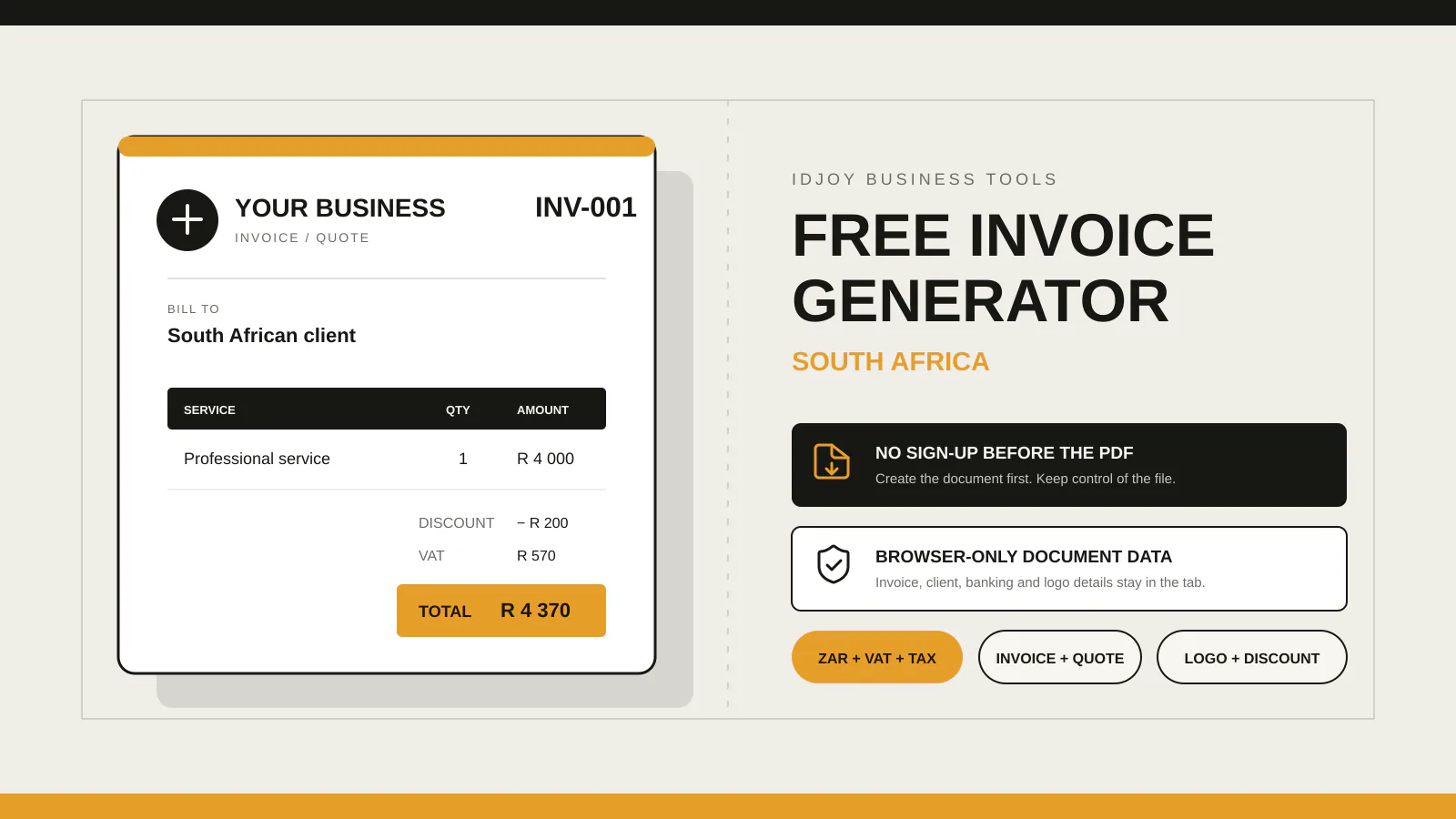
IDJoy’s free invoice generator is live for the immediate task: create an invoice or quote in your browser, add ZAR amounts, VAT where appropriate, terms, banking details and your logo, then save a PDF without an account.
The invoice app is still in production. It is intended for businesses that later need saved documents, reusable client records and stored service details. Until then, the free version gets the document out while your business keeps moving.