
Scope creep becomes a cash-flow problem when extra work absorbs time that was not priced, pushes back the next billable job and creates a dispute at invoicing. Define deliverables before work begins, identify change requests early and send a written price or revised quote before completing the extra work.
Scope creep often sounds harmless: “Can you add one more page?” “Could you make a quick change?” “While you are there, can you also…”
The request costs more than the extra hour. It delays the next project, pushes the final invoice back and can create an argument over whether the work was included.
Define the original job in a way both sides can check
List deliverables, revisions, timing, exclusions and price before work begins. A useful quote does not need legal theatre. It needs a concrete description of what the client is buying.
Weak: “Website design package.”
Clearer: “Homepage, five service pages, mobile layouts, two revision rounds and launch support. Copywriting, product photography and additional pages excluded.”
Name a change request when it arrives
Do not silently complete work that falls outside the agreed deliverables. Use a direct script:
That request falls outside the approved scope. I can add it for R[amount] and [time], or keep the project to the original plan. Which would you prefer?The client still has control. You stop guessing whether extra work will be paid.
Price before production
Send a written change quote or email that states the added deliverable, price, delivery effect and approval required. Wait for agreement before starting, unless the client explicitly accepts another arrangement in writing.
This matters most when the request affects a final milestone. If you wait until the invoice to mention it, the client may treat it as an unapproved surprise.
Protect the invoice
Use separate line items for approved changes. The invoice should tell the same story as the original quote and the later approval. That record helps the client process payment and helps you explain the amount without digging through messages.
Use the free tool for the document, not as a substitute for agreement
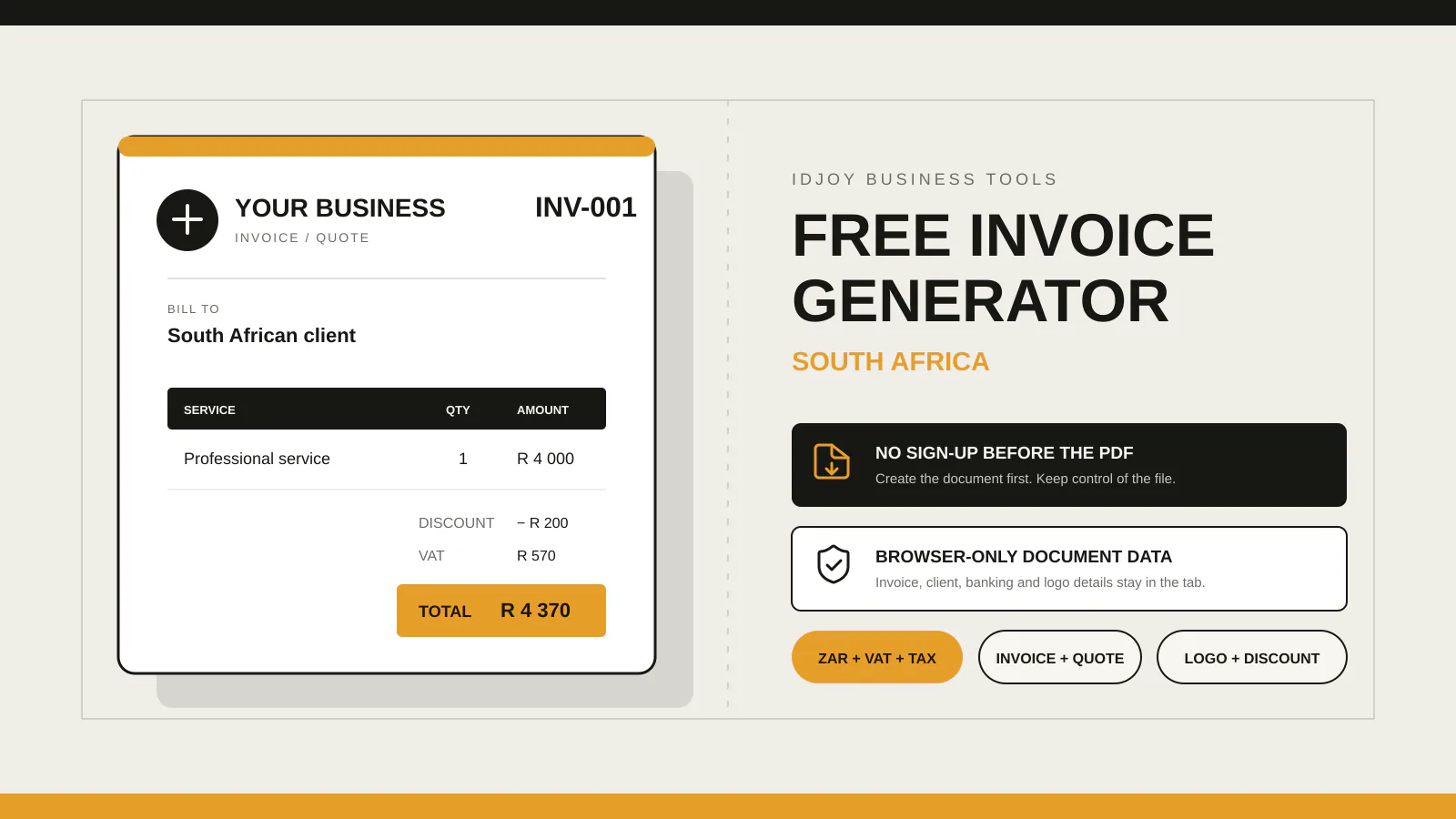
IDJoy’s free generator can turn a revised quote or invoice into a clear PDF with line items, terms and notes. It does not decide whether the client approved extra work. Keep that approval in your project record.
The app in production is planned to add saved documents, reusable clients and service details for repeated billing. Use the free version now so an agreed change becomes a document before it becomes unpaid work.