
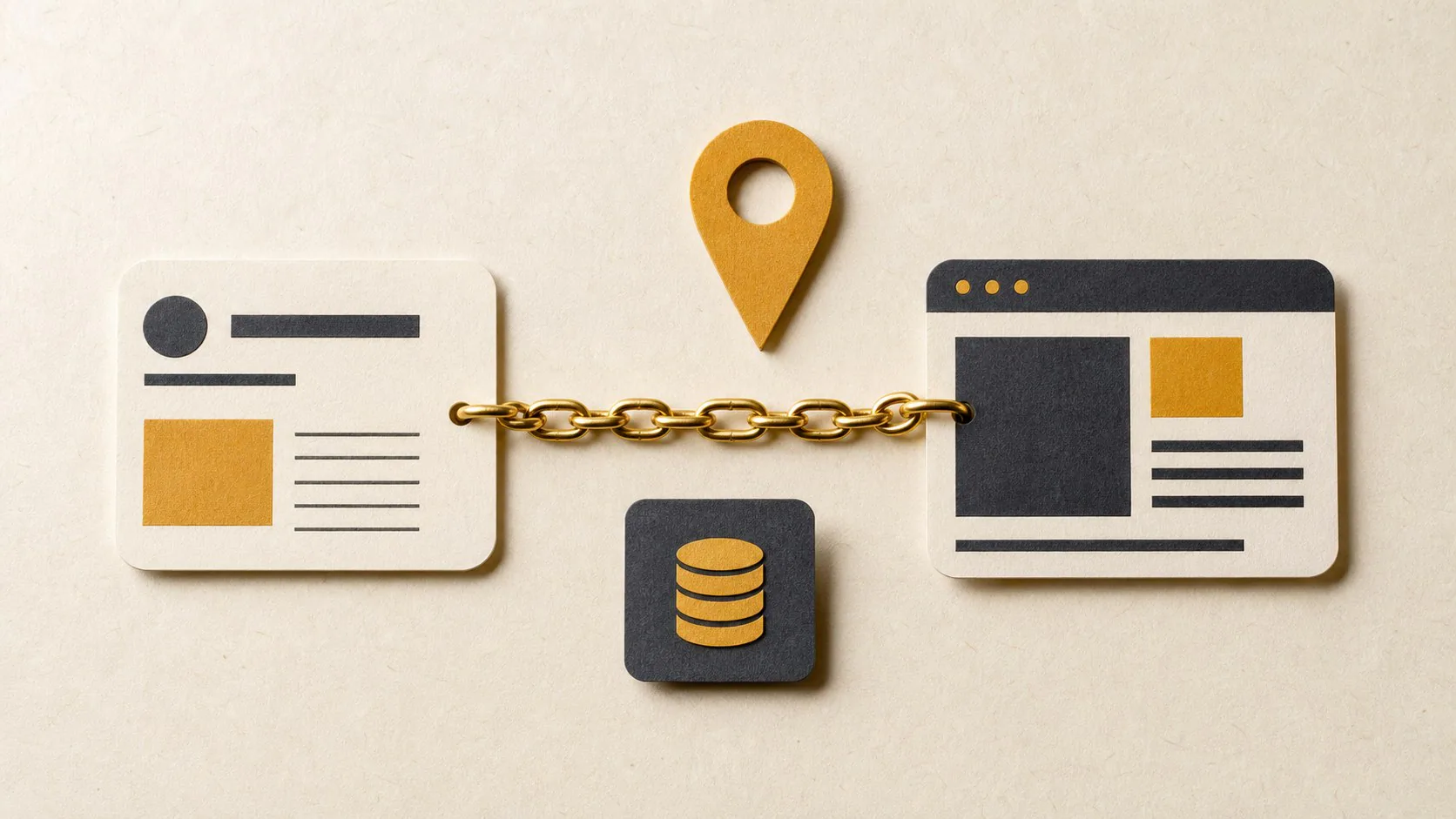
Your Google Business Profile and website should agree on the real business name, primary category, services, telephone number, website URL, location or service area and opening hours. Correct conflicts at the source and update LocalBusiness or Organization structured data to match visible page content. Consistency helps Google identify the business, but it cannot guarantee a local or AI recommendation.
A customer can find one business name on Google Maps, another on the website and a third on the invoice.
Search systems also see the conflict.
Google uses the Business Profile, website, public web sources and structured data to understand the business. Matching facts give it a cleaner entity. They do not create a guaranteed ranking or Gemini recommendation.
Use this checklist to correct the source records.
Business name
Google says the Business Profile name should match the name used in the real world on signage, stationery and branding.
Compare:
- Business Profile;
- website header and footer;
- Organization schema;
- invoices and quotations;
- social profiles;
- CIPC registration where the legal name appears;
- directory listings.
Do not add service keywords or cities to the Business Profile name unless the business uses them as part of the real name.
A legal suffix can appear in company information without becoming part of every public brand reference.
Primary category and services
Choose the fewest categories that describe the core business. Google warns against using categories as keywords.
The website should support the category with clear service pages.
A Business Profile for a “Website designer” should link to a website that explains website design. A homepage that speaks only about “digital solutions” gives the visitor and search system little evidence.
Compare the Profile service list with:
- navigation;
- service headings;
- pricing;
- enquiry-form options;
- case studies;
- title tags and page descriptions.
Remove services that the business no longer offers.
Address or service area
A storefront business should publish a precise address that customers can visit during the stated hours.
A service-area business that visits customers should hide a residential address and define the service area. Google does not permit a virtual office unless the business meets its staffing and signage rules.
The website can state the service area without pretending to have branches.
Use wording such as:
Based in Pretoria and serving clients across Gauteng through on-site and virtual work.
Do not create city pages that claim offices the business does not operate.
Check map pins, postal codes and suite numbers.
Telephone number
Use a number under the business’s control.
Match the main Profile number with the primary number on the website. Write South African numbers in a consistent format and use the international format in structured data:
+27 61 152 8678Test the call link on a phone.
If a tracking number appears on the website, keep the main business number available in the Profile and structured data unless the tracking setup preserves the correct association.
Website URL
The Business Profile should link to the most useful official page.
For a single-location service business, that is often the homepage. A location with its own page may use that location URL.
Check that the link:
- uses HTTPS;
- opens without a redirect chain;
- loads on mobile;
- belongs to the business;
- contains the same name and contact details;
- does not send visitors to a social profile or lead broker.
Add UTM parameters to the Profile website link for analytics if the setup supports them. Keep the canonical page URL clean.
Opening hours
Match the customer-facing hours.
Update holiday and temporary hours in the Business Profile. Put the same current hours on the website when hours affect contact or visits.
A business that works by appointment may explain that on both surfaces.
Do not publish 24-hour availability because a web form accepts messages at night.
Description and service language
The Profile description should explain the real services, history and purpose without links, promotions or keyword stuffing.
Use the website for detail. Keep the wording consistent without copying the same paragraph across every directory.
Check names for technical services. If the Profile says “process safety consulting” while the website says only “risk solutions”, add a plain explanation that connects them.
Images and logo
Use the same current logo and brand identity.
Upload genuine workplace, team, product or project images where permission allows. Stock images can support a website, but a local listing needs evidence of the business.
Remove old logos after a rebrand. Update social profiles, email signatures and structured data at the same time.
Structured data
Google recommends claiming the Business Profile, verifying the website in Search Console and adding structured data that matches visible content.
Use LocalBusiness for an eligible local business. Choose the most specific subtype available. A business without a customer-facing location may use Organization where that better matches the operation.
Useful properties include:
name;url;logo;telephone;address;openingHoursSpecification;sameAs.
Do not put a hidden service area, fake review or old telephone number in schema.
Test the markup with the Rich Results Test. Google does not guarantee a rich result even when the markup passes.
AI-search connection
Google says AI Overviews and AI Mode rely on the same search foundations. It also advises site owners to keep Business Profile information current.
That guidance supports a practical inference: accurate business records give Google stronger source material for search and AI features.
The Profile alone cannot create a recommendation. Google may consider relevance, distance, prominence, page content and other sources. Gemini products can also use different systems from Google Search.
Measure the result through repeat prompts, Search Console, Analytics and real enquiries.
The monthly consistency sheet
Record one row for each field:
| Field | Business Profile | Website | Schema | Status |
|---|---|---|---|---|
| Name | ||||
| Primary service | ||||
| Telephone | ||||
| Address or area | ||||
| Hours | ||||
| Website URL | ||||
| Logo |
Check the sheet after a move, rebrand, new telephone number or service change.
Correct the business-controlled sources first. Then request edits from directories or publishers that carry old information.
IDJOY’s AI search visibility service checks website access, business facts and recommendation evidence across major engines.