
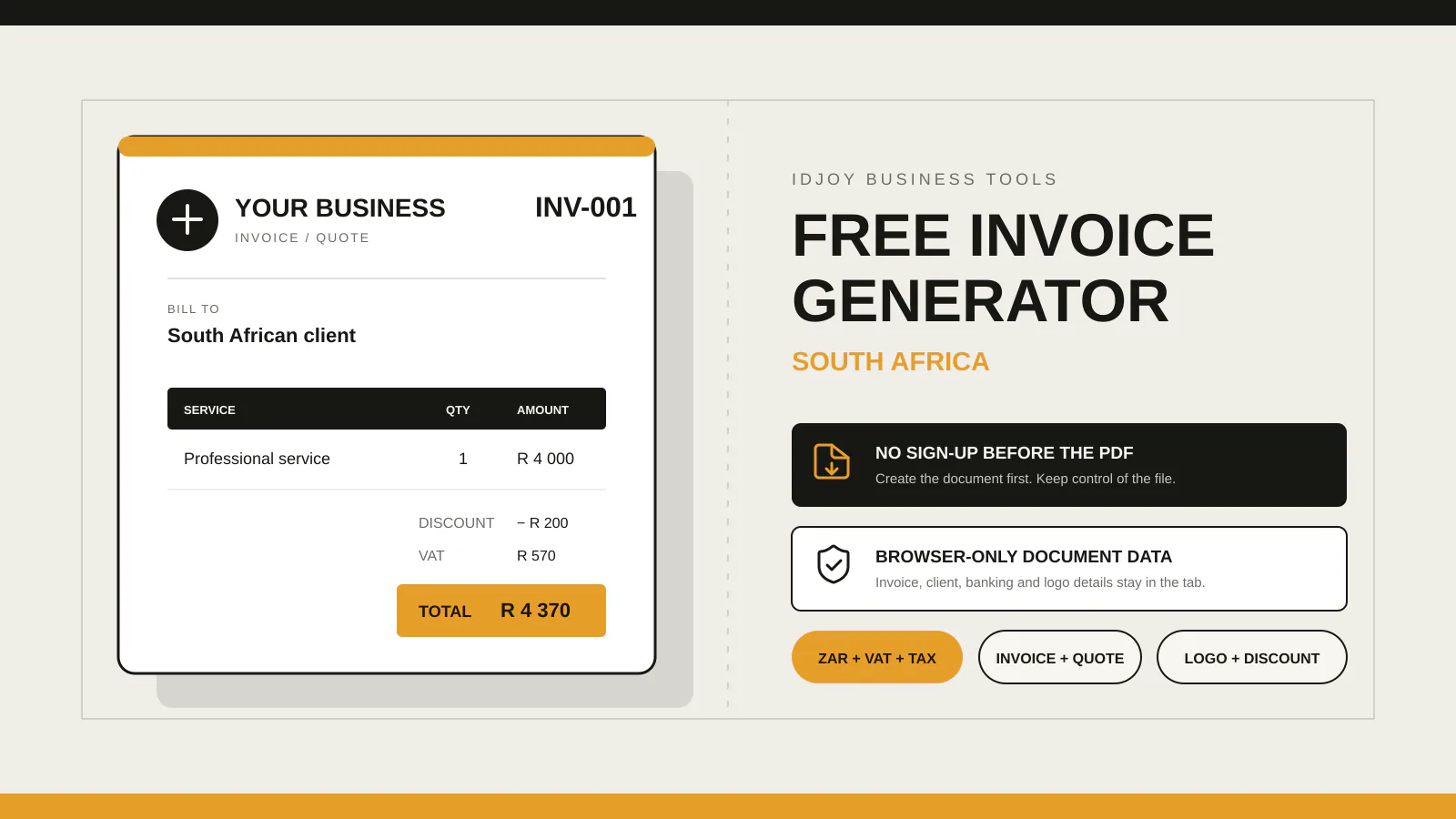
Use a quote to propose work and price before acceptance. Use an invoice to request payment for an agreed supply. Use a deposit invoice or request when an agreed upfront payment is due. A VAT tax invoice must meet the applicable SARS requirements and should be issued only when the supplier and transaction qualify.
The documents may look similar. Their jobs are different. Sending the wrong one creates avoidable confusion about whether the client is approving work, paying a deposit or receiving a VAT document.
Use a quote before the client commits
A quote sets out proposed work, price, validity period, assumptions and payment terms. It gives the client enough information to approve the job. It does not, by itself, prove that the work was completed or that payment is now due.
Use it when you are still agreeing the project.
Use an invoice when payment is due
An invoice asks for payment under the agreement. It should identify the supplier and client, describe the goods or services, show the amount, document number, issue date, due date and payment instructions.
Use it after an agreed milestone, at completion or on the schedule set in the agreement.
Use a deposit request for agreed upfront payment
A deposit request or deposit invoice records the amount due before work starts or before the next milestone. State what it covers and how it applies to the final price.
Do not surprise the client with a deposit after the quote was accepted. Put it in the proposal or agreement first.
Use a VAT tax invoice only where it applies
A VAT tax invoice has specific requirements. The supplier must be entitled to issue it and the document must contain the particulars required for the transaction. Do not treat the VAT field in software as a registration decision.
Read IDJoy’s South African tax-invoice checklist before issuing one.
A simple route to the right document
Still discussing the work? Use a quote.
Upfront payment agreed? Use a deposit request or invoice.
Payment due for agreed work? Use an invoice.
VAT transaction that meets the requirements? Issue the appropriate tax invoice.
IDJoy’s free generator supports quotes, invoices and tax fields in a no-account browser workflow. It helps you prepare and save the PDF, but it cannot decide the legal or tax status of the transaction.
The invoicing app is still being built for businesses that need saved documents, reusable clients and stored services. Use the free version now to get a professional document to the client and keep the business running.