
Before work starts, confirm the client legal entity, project contact, accounts-payable contact, scope, price, approval point, payment terms, purchase-order requirement, tax treatment and who can approve changes. Capture the answers in writing so the quote, work and final invoice tell the same story.
Payment problems often begin before the first line of work. The supplier knows the project contact. Nobody confirms who can approve extra work, which company must be invoiced or where accounts payable expects the PDF.
Ask these questions at onboarding.
Who is buying?
Record the client’s legal entity, trading name, address and VAT information where the transaction requires it. Ask who signs off the agreement and who can approve a change in scope.
What exactly is included?
List deliverables, deadline, client responsibilities, revision limits and exclusions. Avoid broad labels such as “digital marketing support” when the client expects defined output.
How will approval work?
Name the person who approves a milestone and the time allowed for feedback. Without an approval process, a project can stall while your payment date gets closer.
How will payment work?
Ask for the accounts-payable contact, PO or vendor code, payment period, required invoice format and any portal submission rule. Confirm deposits or milestones before work begins.
What changes need new approval?
State that additional deliverables, revisions beyond the agreed limit or changed deadlines require a written price and approval. This protects the client from surprise costs and protects you from unpaid additions.
Turn answers into documents
Use the answers in the quote, agreement and invoice. A client should not see a different scope, different total or unexpected payment term when the PDF arrives.
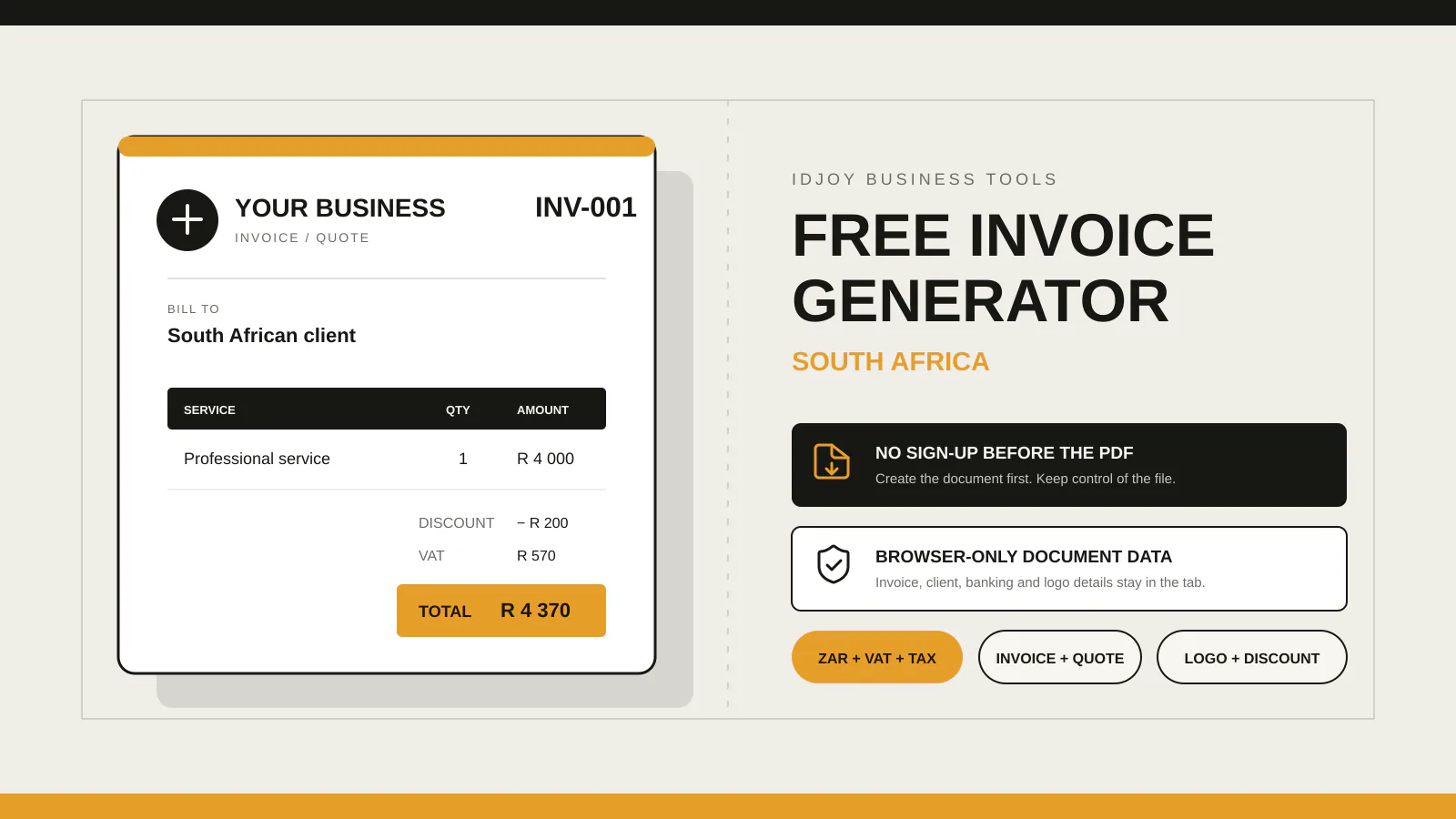
IDJoy’s free generator helps you create the quote or invoice now, with client details, line items, payment terms and notes in a browser-only PDF. The app is still in production for businesses that want saved documents, reusable clients and stored services later.